Stop prompting.
Start directing.
Thumbloom is your AI art director for YouTube thumbnails. Tell it what your video is about and it makes the creative calls: the shot, the layout, the hook, and your real face in the frame. No prompting, no design skills, no luck.
One free thumbnail on us. No card required.
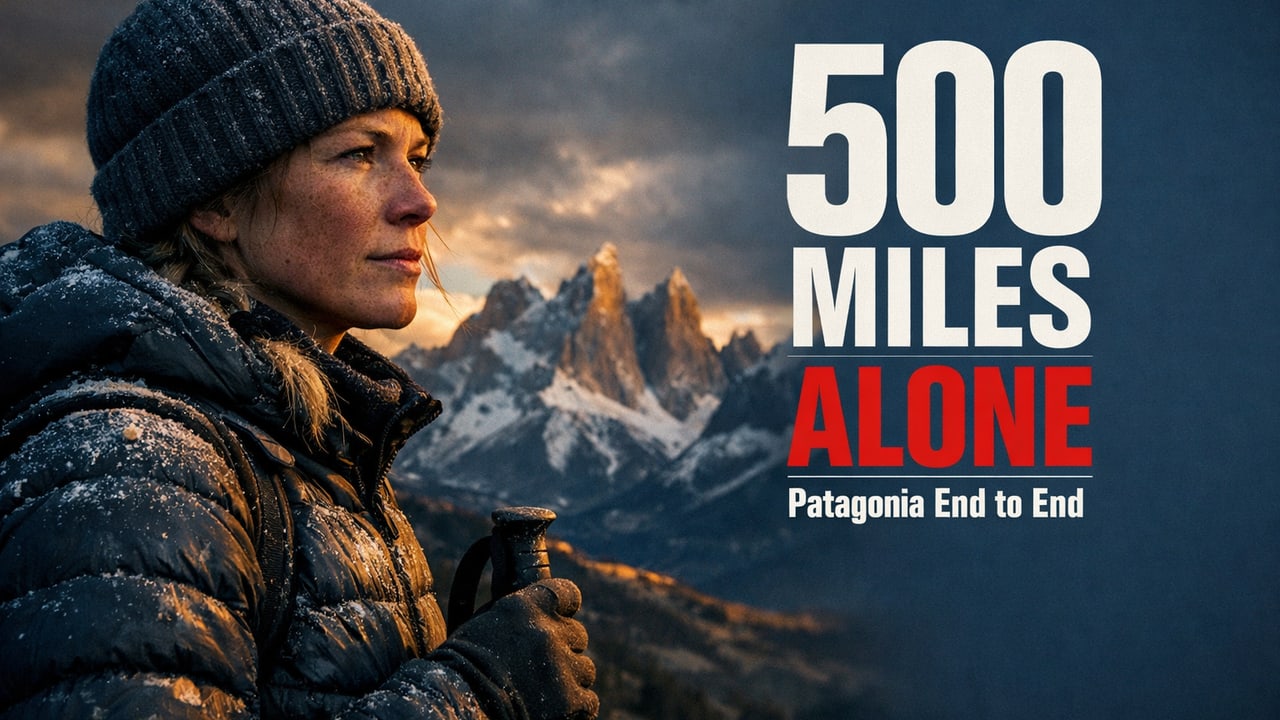


Give it a brief. See a thumbnail.
Just your topic. Your art director designs the rest, live. One free on us. Sign up to add your face, remix, the editor, and HD.
See it in action
Your face, in any thumbnail
 →your face in every thumbnail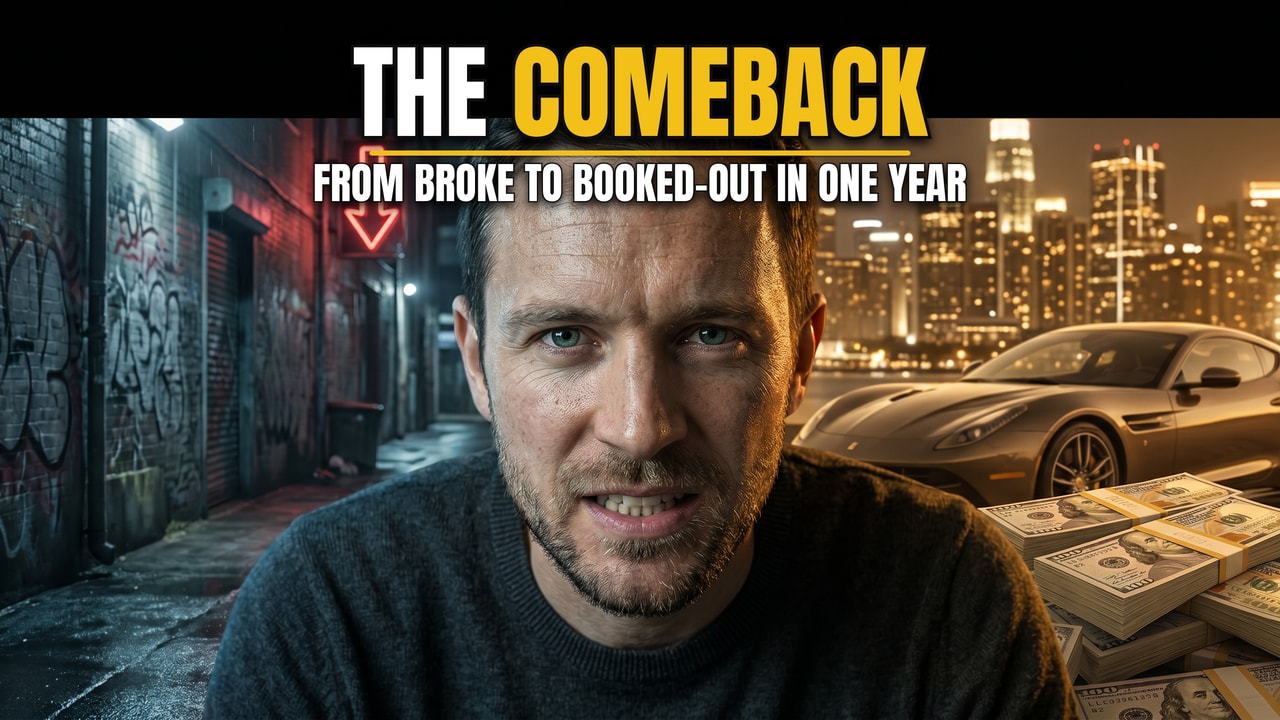
Upload a few selfies once and your face shows up consistently across every thumbnail.
Remix any thumbnail's style
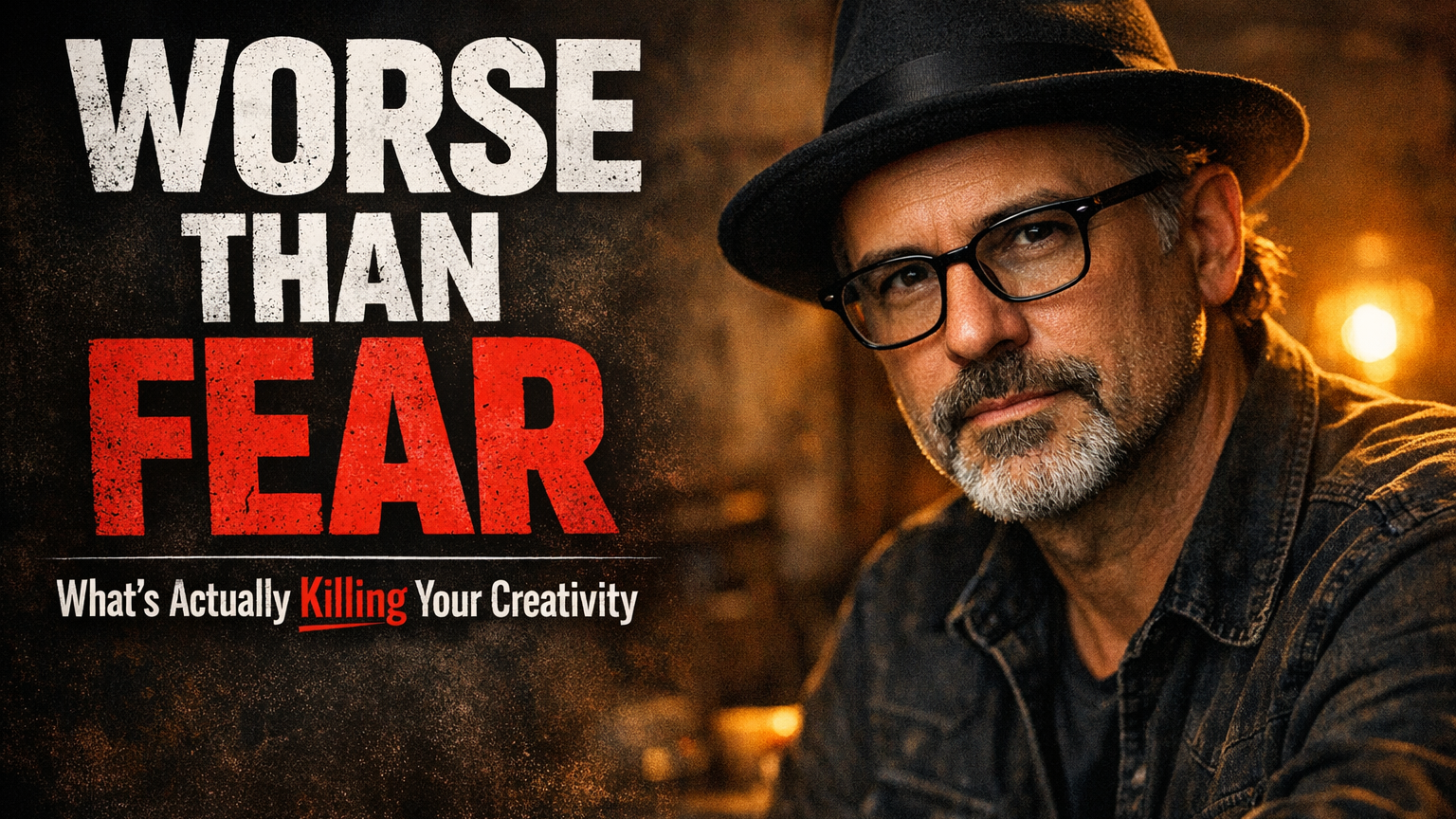
Paste a YouTube link or upload a thumbnail, and we match its style for your topic (no copying people or text).
An art director in the loop. Not a prompt box.
Direction, not prompts
Give it the topic and it makes the creative calls: the shot, layout, color grade, and hook word.
Your face, every time
Save a persona from a few selfies and you're the talent in every thumbnail, consistently.
Type that lands
Bold, perfectly-placed headlines that never clip or cover your face. Fine-tune in the editor.
Every thumbnail on this page was made in Thumbloom, including ones pulled straight from creator accounts, the real creator's face and all.
“Making a thumbnail was genuinely simple. I described my video and had something I'd actually post in a couple of minutes. And the concept ideas were a lifesaver: I could never picture a good scene on my own, and it pitched ones that just clicked.”
Questions creators ask
- Is Thumbloom free?
- Yes. You can make one thumbnail free with no signup and no card. Sign up free for more, plus your real face, remix, the editor, and HD downloads. Paid plans start at $19 a month.
- Can I put my own face on a YouTube thumbnail?
- Yes. Upload a few selfies once to save a persona, and your real face shows up consistently across every thumbnail you generate, in any style.
- What size are the thumbnails?
- Thumbloom makes 16:9 thumbnails at YouTube's recommended 1280 by 720 pixels, ready to upload straight to your video.
- Do I need design skills or to write prompts?
- No. You describe what your video is about and Thumbloom's AI art director makes the creative calls: the shot, the layout, the color, and the headline. There is no prompting and no design work.
- Can I match the style of another thumbnail?
- Yes. Paste a YouTube link or upload a thumbnail and Thumbloom remixes its style for your topic. It never copies anyone's face or text.
- Can I edit the text on the thumbnail?
- Yes. Every headline is fully editable. Open the editor to change the wording, font, color, and placement, and the text never clips or covers the subject's face.